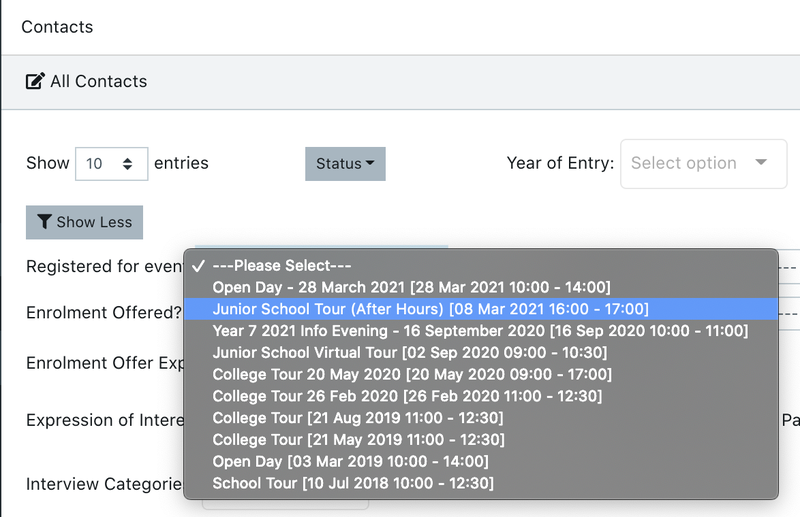
Steps to filter for families booked into an event
If you want to filter for families booked into a specific event (so you can do Bulk Actions like Send Emails) go to Contacts > All Prospective and open ‘Show More’ filters. Then click on the ‘Registered For Event’ dropdown and select the event.
There are also filters to choose people who attended the event - to send them a follow-up to the event, or people who didn’t attend - in case you need to send the “Sorry we missed you” email.